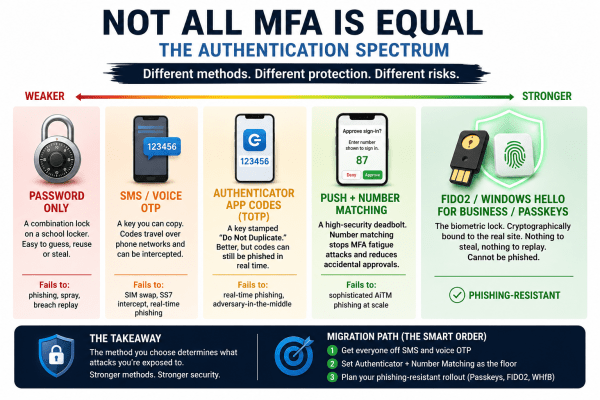
Most MFA setups are not equally secure. Different authentication methods sit on a spectrum, from easily phished passwords and SMS codes to phishing-resistant passkeys and FIDO2 security. This visual breaks down how each method actually fails in real-world attacks, and why the strongest options eliminate entire attack categories instead of just reducing risk.
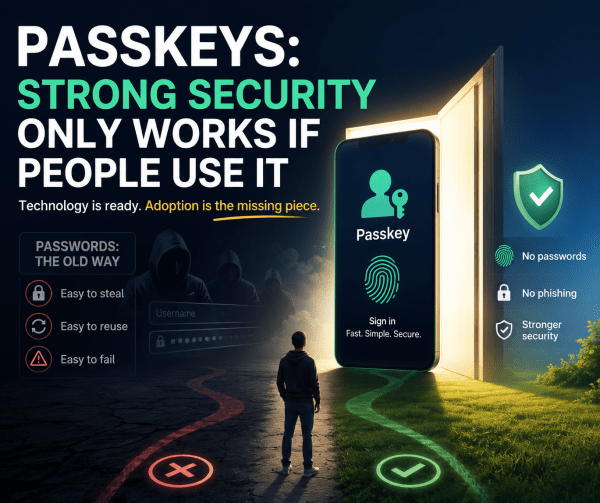
Passkeys: Strong Security That Only Works If People Actually Use It
Passkeys are a stronger, passwordless way to log in, but their real impact depends on one thing: people actually using them. Until adoption becomes the default, security improvements will remain limited.
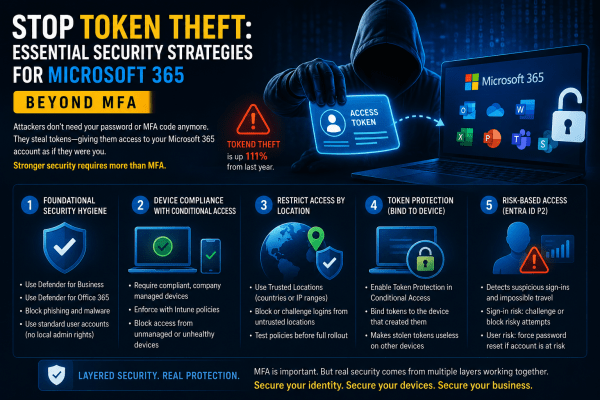
Stop Token Theft: Why MFA Alone Is No Longer Enough for Microsoft 365
Most businesses believe MFA is enough to protect Microsoft 365 accounts. It isn’t. Attackers are now bypassing traditional authentication by stealing session tokens directly from user devices, giving them silent access to emails, files, and company data without triggering MFA prompts. In this article, we break down how token theft works, why it’s becoming one of the fastest-growing cyber threats, and the practical Microsoft 365 security strategies every organization should implement before it becomes a real incident.
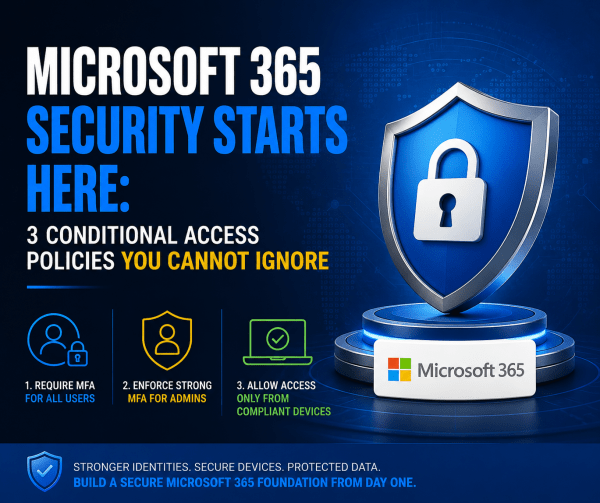
Microsoft 365 Security Starts Here: 3 Conditional Access Policies You Cannot Ignore
Most Microsoft 365 tenants are far less secure than organizations think. A password policy and a basic country block are not enough to stop modern attacks. This article breaks down the three Conditional Access policies every tenant should deploy from day one: strong MFA for all users, phish-resistant authentication for administrators, and device compliance enforcement through Intune. These foundational controls dramatically reduce the risk of account compromise, unauthorized access, and unmanaged devices accessing corporate data.
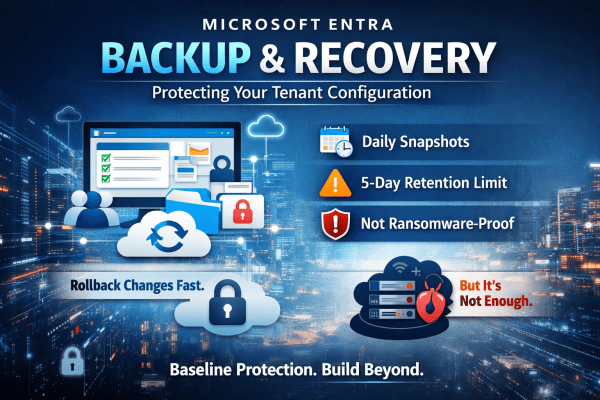
Microsoft Entra Backup and Recovery: Protecting Your Tenant Configuration
A single misclick in Microsoft Entra can break access across your entire tenant. No warning. No easy rollback. No backup you can rely on. Microsoft’s new Backup and Recovery feature changes that, but don’t assume it solves the problem completely. It gives you daily snapshots, limited rollback, and visibility into changes. Useful, yes. Enough on its own? Not even close. If you’re relying on it as your safety net, you’re already exposed. Here’s what it actually does well and where it falls short.
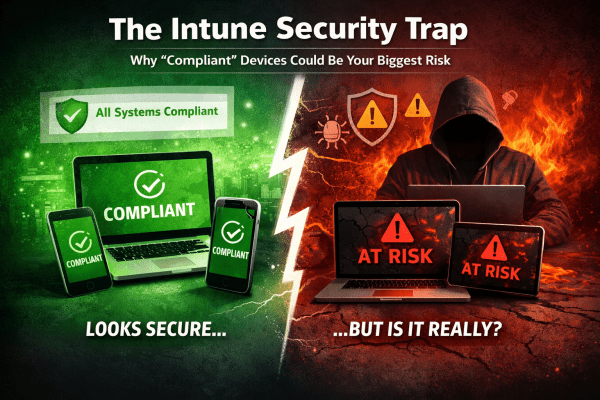
Understanding Intune’s Compliance Misleading Defaults
Most Intune environments look secure. Green ticks everywhere. Compliant devices. No obvious issues. But here’s the reality: a default setting can mark devices as compliant even when no policies are applied. No encryption checks. No OS validation. No real protection. That “secure” environment? It’s often just a dashboard illusion. If you’re relying on compliance without enforcing it through Conditional Access, you’re not controlling access, you’re just hoping nothing goes wrong. This post breaks down where it fails and how to fix it properly.
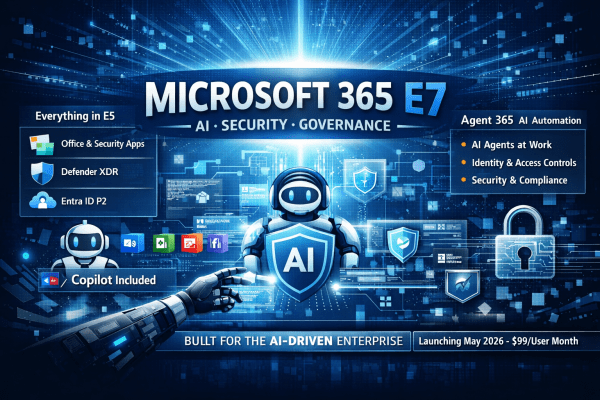
Microsoft 365 E7: The License That Turns AI from a Tool into a Workforce
Microsoft has introduced Microsoft 365 E7, a new top-tier enterprise license that goes beyond E5 by bundling Copilot, advanced identity controls, and AI agent governance. But E7 isn’t just another upgrade. It signals Microsoft’s shift toward organisations where AI assistants and autonomous agents become part of everyday work.
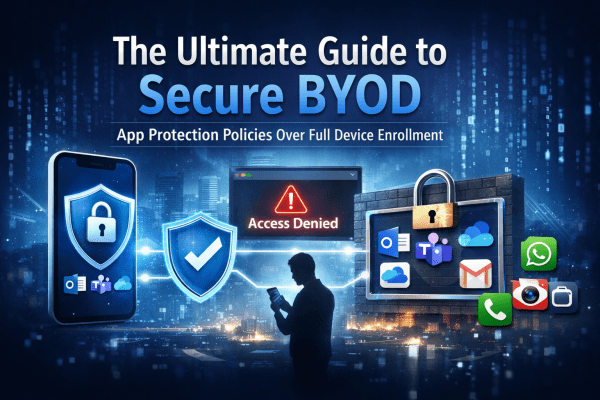
The Ultimate Guide to Secure BYOD: Mastering App Protection Policies Instead of Full Device Enrollment
BYOD offers flexibility, but it can also open the door to serious data risks if it’s not managed properly. Instead of taking full control of employees’ personal devices, modern security focuses on protecting the data itself. In this guide, you’ll learn how to secure company information on personal phones using Microsoft Intune App Protection Policies and Conditional Access, giving your team the freedom to work anywhere while keeping sensitive data locked down.
Secure Microsoft 365 Tenants Before Deploying Copilot: A Guide for MSPs
Clients are rushing to deploy Microsoft 365 Copilot, but most tenants are not ready. Weak security, inconsistent policies, and poor configuration can turn AI into a serious risk. Before you roll out Copilot, you need a secure, standardised foundation. Here’s how to protect your clients and position your MSP as the trusted expert.
The 5 Microsoft 365 Myths Putting Businesses at Risk in 2026
Microsoft 365 is powerful, but common misconceptions continue to leave businesses exposed. This article breaks down five persistent Microsoft 365 myths for 2026, explaining where organisations often go wrong and what they should be doing instead to protect their data, users, and systems.