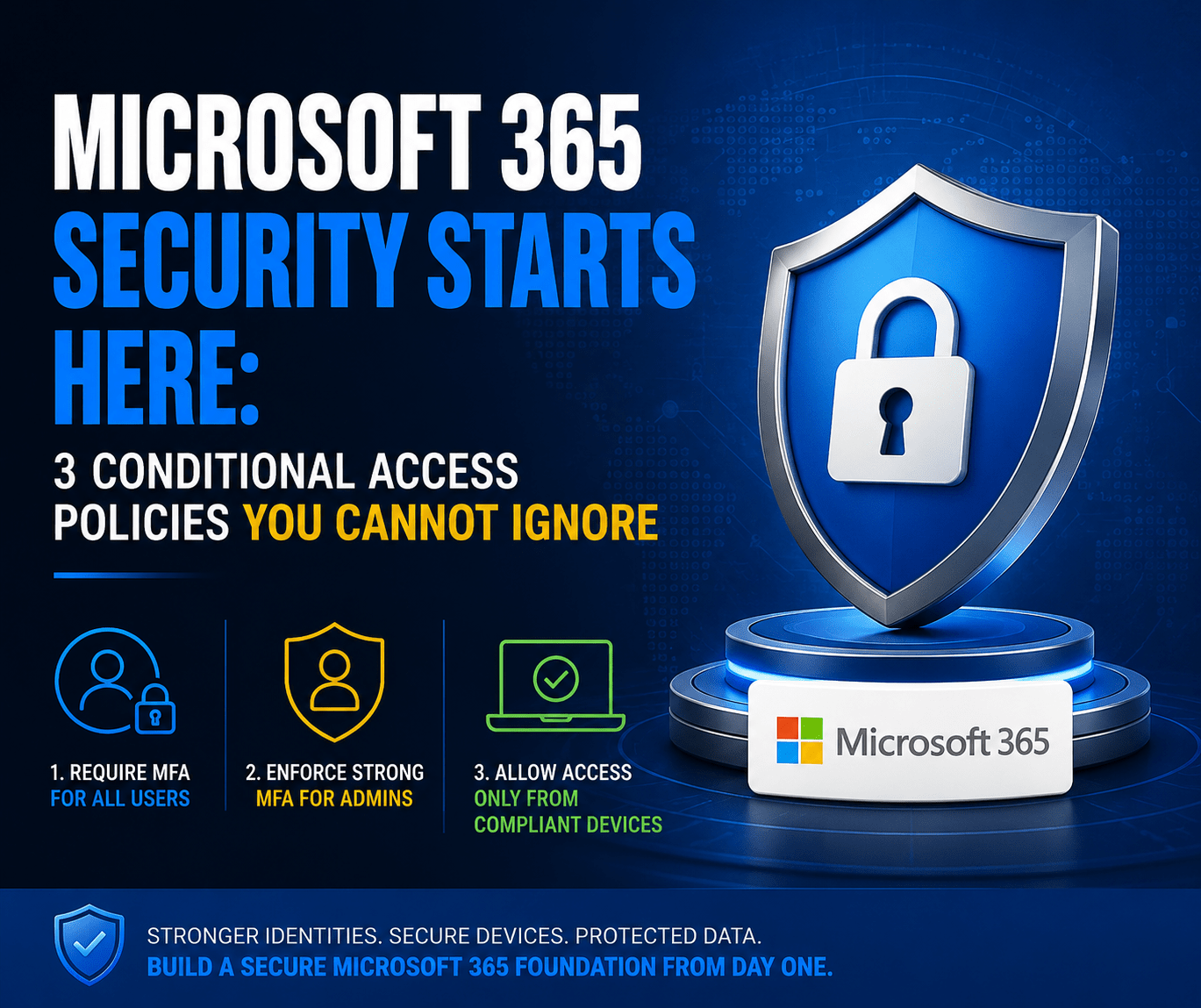
Conditional Access is the control layer that changes that. It allows you to decide who can access your environment, under what conditions, and from which devices. These policies should be implemented before migrating mailboxes, deploying SharePoint, or onboarding users. Waiting until after an audit or incident means you are already reacting instead of preventing.
To use Conditional Access properly, you need Microsoft Entra ID P1 licensing at minimum. Organizations using Microsoft 365 Business Premium already have access to these capabilities.
Policy 1: Build the Foundation With Universal MFA
The first and most important Conditional Access policy is straightforward: require Multi-Factor Authentication for every user, application, and sign-in attempt.
Passwords alone are no longer enough. Once a password is compromised through phishing, password spraying, or credential reuse, attackers can access your environment from anywhere. MFA creates the additional verification layer that stops most account compromise attempts immediately.
However, enabling MFA is not enough if weak authentication methods are allowed. SMS codes and voice calls are still widely used, but they are vulnerable to SIM swapping and social engineering attacks.
Instead, use Authentication Strengths in Microsoft Entra ID to enforce stronger methods such as:
- Microsoft Authenticator
- Passkeys
- FIDO2 security keys
If the built-in authentication strengths do not align with your requirements, create a custom policy that only permits approved secure methods.
One exception should always exist: the break-glass account.
This emergency administrator account should be excluded from standard Conditional Access policies to prevent complete tenant lockout during outages or authentication failures. That does not mean it should be ignored. The account should have:
- A long, complex password
- No daily usage
- Monitoring and alerting enabled
- Credentials stored securely offline
Policy 2: Enforce Phish-Resistant MFA for Administrators
Administrators represent the highest-value targets in any Microsoft 365 environment. A compromised admin account can lead to tenant-wide data exposure, service disruption, or complete loss of control.
That is why privileged users require stronger protections than standard employees.
Traditional MFA methods can still be bypassed through MFA fatigue attacks or phishing proxies that trick users into approving sign-in requests. Phish-resistant MFA eliminates much of that risk by requiring hardware-backed or device-bound authentication.
Recommended methods include:
- FIDO2 security keys
- Windows Hello for Business
- Passkeys tied to trusted devices
This policy should target privileged directory roles directly rather than relying on broad admin groups. Focus on roles with elevated permissions, including:
- Global Administrator
- Security Administrator
- Exchange Administrator
- SharePoint Administrator
- Cloud Application Administrator
- Help Desk Administrator
- Privileged Role Administrator
- AI Administrator
Conditional Access policies are additive in Microsoft 365. That means stricter requirements automatically override weaker ones. If a user falls under both standard MFA and phish-resistant MFA policies, the stronger requirement is enforced.
Policy 3: Restrict Access to Compliant Devices Only
Identity protection alone is not enough if users access corporate data from unmanaged or compromised devices.
The third foundational policy is device compliance enforcement through Microsoft Intune. This ensures users can only access company resources from devices that meet your organization’s security standards.
Before enabling this policy, compliance rules must be configured in Intune. Typical requirements include:
- BitLocker encryption enabled
- Supported and fully updated operating systems
- Password or PIN enforcement
- Microsoft Defender for Business active and healthy
Conditional Access then evaluates the device in real time during sign-in. If a device falls out of compliance, access is blocked automatically.
This approach significantly reduces the risk of:
- Malware-infected endpoints
- Lost or stolen devices
- Unmanaged personal systems accessing sensitive data
Platform targeting is equally important. Many organizations allow managed Windows and iOS devices while restricting or fully blocking unmanaged Android or personal devices. Your Conditional Access strategy should reflect your broader device management and BYOD policies rather than applying blanket restrictions without planning.
Beyond the Basics: Expanding Your Conditional Access Strategy
These three policies establish the minimum baseline, not the finished security model.
As environments grow, additional Conditional Access policies are usually required for:
- Guest and external users
- Third-party vendors
- High-risk sign-ins
- Geographic restrictions
- Bring Your Own Device (BYOD) scenarios
- Session controls and data protection
Your break-glass account also deserves its own dedicated policy. While it should remain excluded from normal MFA enforcement, access should still be tightly controlled through measures such as:
- Trusted IP restrictions
- Sign-in monitoring
- Strict password management
Regularly reviewing Entra sign-in logs is equally important. Failed sign-in trends, repeated authentication attempts, or suspicious geographic activity often reveal attack patterns before they become incidents.
Blocking high-risk countries can help reduce noise, but it should never be treated as a primary defense strategy.
Final Thoughts
A Microsoft 365 tenant secured only by passwords is not secure. It is exposed.
Conditional Access changes the model from blind trust to controlled verification. By validating both identity and device health, you dramatically reduce the attack surface available to attackers.
Your day-one security baseline should include:
- Strong MFA enforcement for all users
- Phish-resistant MFA for privileged roles
- Access restricted to compliant managed devices
These controls remove the easiest attack paths and establish a far more resilient Microsoft 365 environment from the beginning. The earlier they are implemented, the easier it becomes to secure everything that follows.
 Salman Tariq
 SalmanTechBlogs
Leave a comment