Quick question.
Do you know exactly who has guest access to your Microsoft 365 tenant right now?
Not “probably our accountant and a couple of suppliers.”
I mean exactly.
Every external user. Every guest account. Every person from outside your organisation who still has some level of access to your environment.
If your answer is “not really,” you’re far from alone.
In fact, when I review Microsoft 365 environments, guest access is one of the most commonly overlooked areas. Most organisations are reasonably careful about who they invite in. The problem is they rarely check who never left.
So what is a guest account?
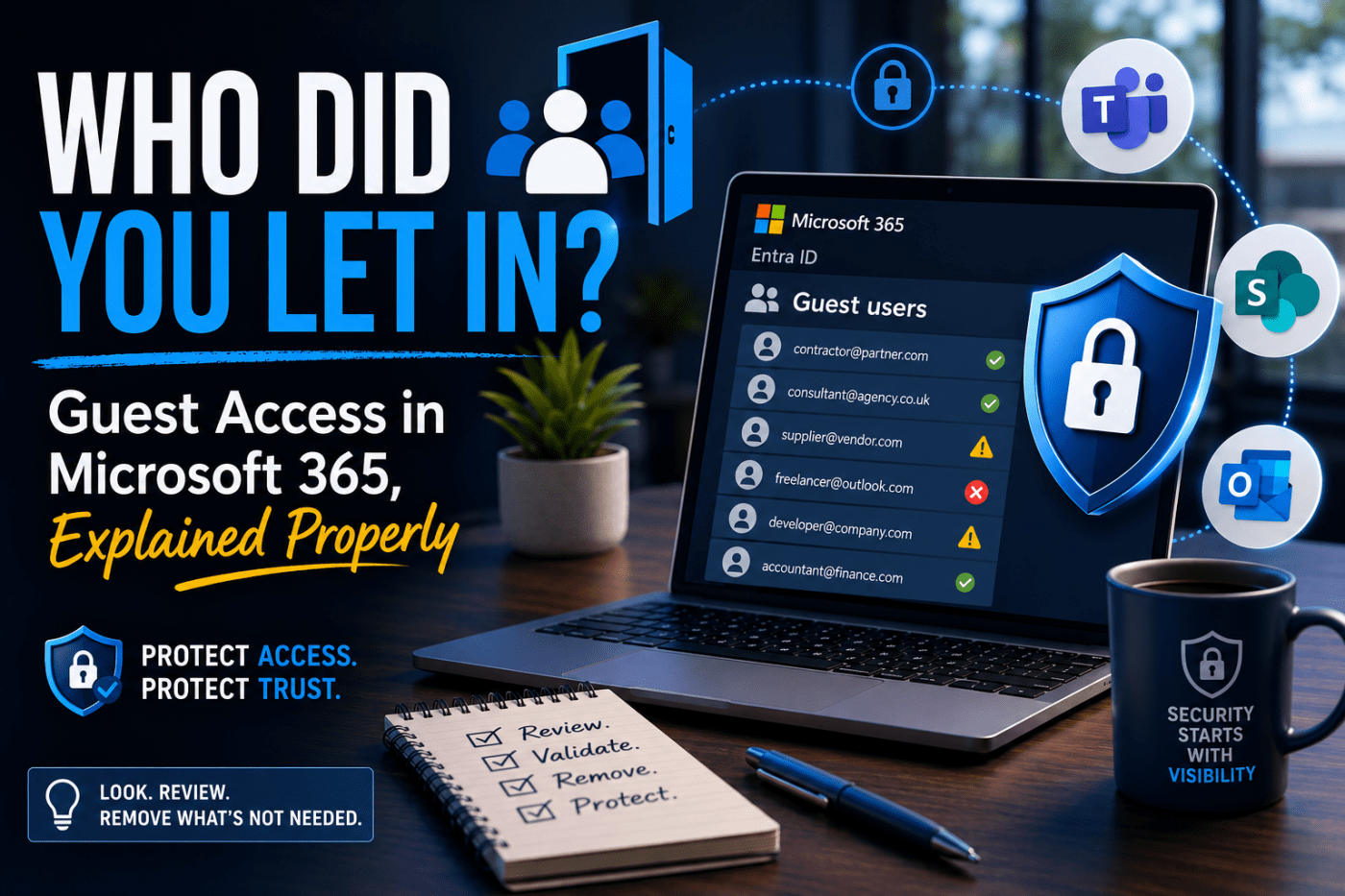
Whenever someone outside your company is granted access to something inside Microsoft 365, Microsoft will often create a guest account in your Entra ID directory.
That could happen when:
- A contractor is given access to a SharePoint site
- A supplier is added to a Teams channel
- A consultant is invited to collaborate on documents
- A freelancer joins a project workspace
The process is designed to be simple because collaboration is important.
The downside is that these guest accounts often stay around long after the work has finished.
Nobody deliberately keeps them. They just get forgotten.
Why should you care?
1. Nobody remembers why they’re there
A guest account gets created for a project.
The project finishes.
Six months later, the guest account is still sitting in Entra ID and nobody remembers who approved it, what it was for, or whether it’s still needed.
I’ve seen guest accounts that were years old with no clear owner and no documented reason for their existence.
2. They accumulate faster than you think
Guest accounts tend to build up quietly.
One project here. One supplier there. A consultant. An agency. A temporary contractor.
Before long, you can have dozens or even hundreds of guest users in the directory.
In some environments, I’ve seen more guest accounts than actual employees.
3. Access doesn’t magically disappear
Microsoft doesn’t automatically know when a project ends.
If someone was granted access to a SharePoint site two years ago, there’s a good chance they still have it today unless somebody deliberately removed it.
Temporary access often becomes permanent access by accident.
4. Someone else’s security can become your problem
This is the part many businesses don’t think about.
If a supplier’s email account gets compromised and that account still has access to your tenant, you’ve potentially created a pathway into your own environment.
You may have strong security controls internally, but guest access extends trust beyond your organisation.
Your security is only as strong as the weakest account that still has access.
“But we trust our partners”
Of course.
This isn’t about distrusting suppliers, contractors, accountants, or consultants.
It’s about recognising that relationships change.
The web developer who built your website three years ago may have needed access at the time.
The accountant who helped during tax season may have needed access at the time.
The IT contractor who worked on a migration project may have needed access at the time.
The question isn’t whether they should have had access then.
The question is whether they still need it now.
And more importantly, does anyone actually know?
What good looks like
Managing guest access doesn’t require expensive tools or a huge security project.
It just requires a process.
A sensible approach usually includes:
- A record of who each guest user is and why they were invited
- An internal sponsor or owner responsible for each guest account
- Regular access reviews to confirm access is still required
- Expiry dates for temporary access where possible
- A defined offboarding process when projects or contracts end
Most of these capabilities already exist within Microsoft Entra. They simply need to be configured and used consistently.
A simple place to start
If you do nothing else after reading this article, spend five minutes looking at your guest user list.
Go to the Entra admin centre.
Navigate to Users and filter by Guest.
Then simply review the names.
You’ll recognise most of them.
But chances are you’ll eventually come across one that makes you stop and think:
“Who is that?”
Or perhaps:
“I thought they left years ago.”
That moment is exactly why guest access reviews matter.
The bigger picture
Guest access highlights a broader truth about cybersecurity.
Most organisations are fairly careful about who they let through the front door.
The real challenge is knowing who still has a key.
Security isn’t always about sophisticated attacks or advanced technology. Sometimes it’s about maintaining visibility, reviewing access regularly, and removing permissions that are no longer needed.
It’s not exciting work.
Nobody gets enthusiastic about reviewing a list of guest accounts.
But it’s the kind of quiet, routine task that prevents much bigger problems later.
And in security, those boring tasks are often the ones that matter most.
 Salman Tariq
 SalmanTechBlogs
Leave a comment