Stop Treating All Data the Same: How to Master Microsoft 365 Security with Authentication Contexts

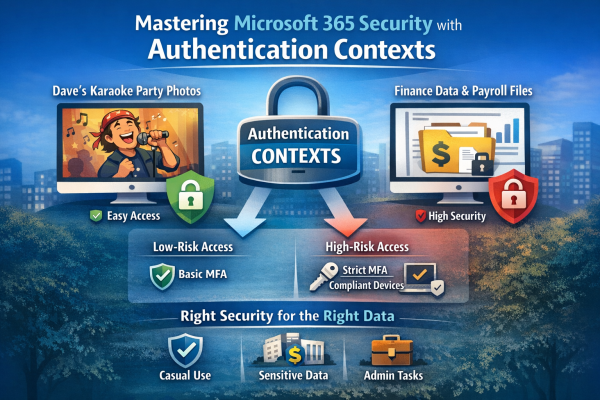
Not all data is equally sensitive, yet many Microsoft 365 environments treat every file and app the same. Blanket multi-factor authentication creates fatigue, and security signals get ignored. That’s where authentication contexts come in. They let you apply stricter Conditional Access controls only to high-value resources—like finance or HR data—while keeping everyday workflows smooth. With granular protection, MFA fatigue drops, security becomes meaningful again, and your most critical data stays safe without slowing down the organization.

Mastering Entra ID Synced Passkeys

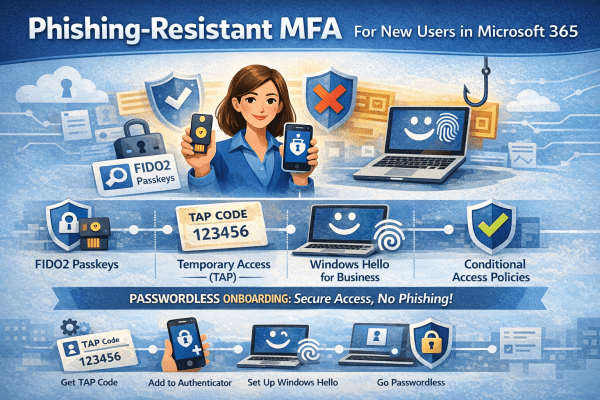
Entra ID synced passkeys replace passwords with phishing-resistant authentication built on FIDO2 standards. Users sign in using biometrics or device PINs, with credentials securely synced across devices. The result is stronger security, faster access, and a smoother experience for both users and IT teams.

Autopilot V1 vs V2: Which Is Right for Your Windows Device Deployment?

Windows Autopilot makes provisioning devices simple, but not all deployments are the same. Autopilot V1 offers advanced control for complex, hybrid environments, while V2 delivers a faster, cloud-ready setup for organizations looking to get users up and running immediately. Understanding the differences ensures IT teams choose the right approach for efficiency and productivity.

Enhance Microsoft 365 Security by Switching to Edge

In today’s digitally driven world, businesses are increasingly relying on cloud solutions like Microsoft 365 for their operational needs. However, many organizations overlook an integral aspect of ensuring security and compliance while using these platforms: the choice of web browser. This article dives into why Google Chrome or any other non Microsoft browser may not... Continue Reading →

Microsoft 365 Licensing Explained: Save Money and Improve Security

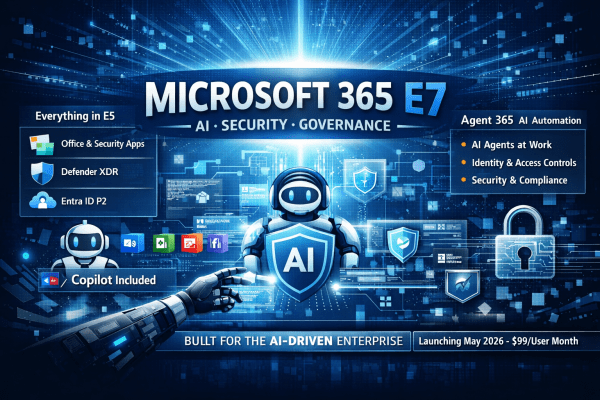
Choosing the right Microsoft 365 licence doesn’t have to be complicated. Business Premium is ideal for SMEs, offering full Office apps, Teams, email, and built-in security for up to 300 users. F3 suits frontline staff with web/mobile access and basic protections. E3 provides enterprise features for larger organisations but requires extra security add-ons to match Business Premium. E5 delivers the complete security, compliance, and analytics suite for organisations with strict regulatory needs. Match licences to actual user roles and compliance requirements to save costs and reduce complexity.

What is Plus Addressing? Pros and Cons Explained

Tired of inbox chaos? Plus addressing lets you add tags to your email (like yourname+shopping@gmail.com) so you can organize messages, track spam, and simplify your digital life—all without creating new accounts. Here's how it works and why it’s worth trying.

Create a website or blog at WordPress.com

Up ↑