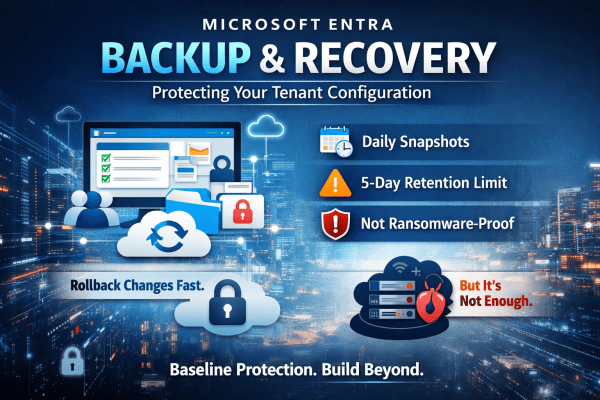
A single misclick in Microsoft Entra can break access across your entire tenant. No warning. No easy rollback. No backup you can rely on. Microsoft’s new Backup and Recovery feature changes that, but don’t assume it solves the problem completely. It gives you daily snapshots, limited rollback, and visibility into changes. Useful, yes. Enough on its own? Not even close. If you’re relying on it as your safety net, you’re already exposed. Here’s what it actually does well and where it falls short.
Understanding Intune’s Compliance Misleading Defaults
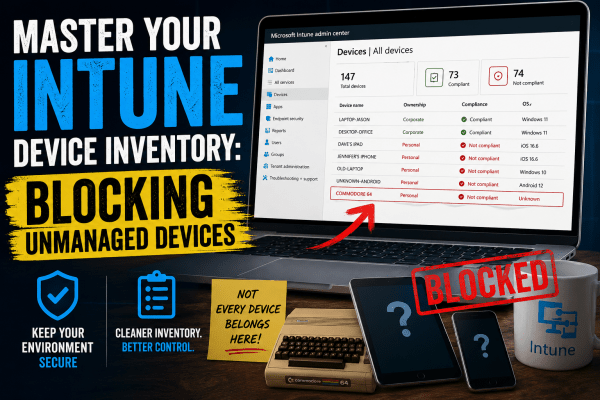
Most Intune environments look secure. Green ticks everywhere. Compliant devices. No obvious issues. But here’s the reality: a default setting can mark devices as compliant even when no policies are applied. No encryption checks. No OS validation. No real protection. That “secure” environment? It’s often just a dashboard illusion. If you’re relying on compliance without enforcing it through Conditional Access, you’re not controlling access, you’re just hoping nothing goes wrong. This post breaks down where it fails and how to fix it properly.
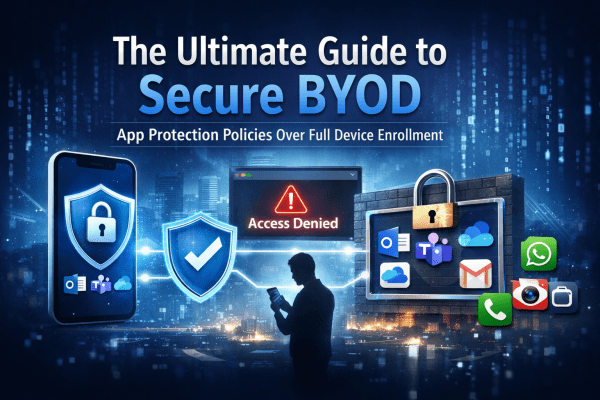
The Ultimate Guide to Secure BYOD: Mastering App Protection Policies Instead of Full Device Enrollment
BYOD offers flexibility, but it can also open the door to serious data risks if it’s not managed properly. Instead of taking full control of employees’ personal devices, modern security focuses on protecting the data itself. In this guide, you’ll learn how to secure company information on personal phones using Microsoft Intune App Protection Policies and Conditional Access, giving your team the freedom to work anywhere while keeping sensitive data locked down.