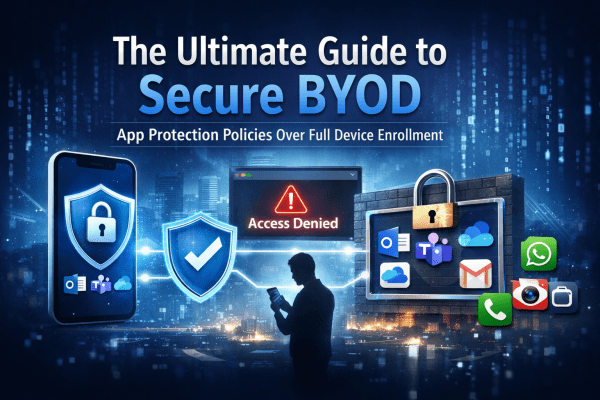
Your Intune device inventory should contain trusted company devices, not random personal hardware. In this article, we'll look at how Intune determines device ownership, why enrollment restrictions matter, and how to stop unmanaged devices from cluttering your environment. You'll also learn why Conditional Access alone isn't enough and how combining it with proper enrollment controls creates a cleaner, more secure Microsoft 365 tenant.
Understanding Intune’s Compliance Misleading Defaults
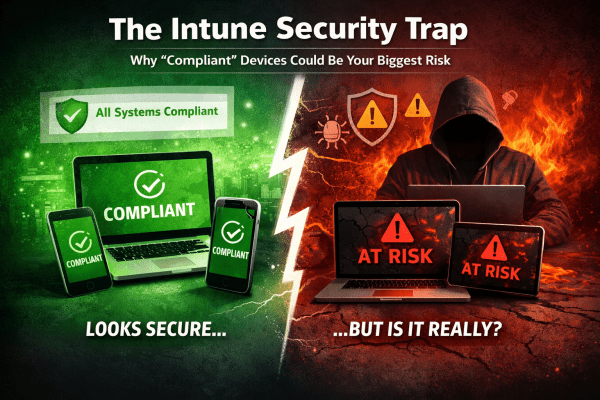
Most Intune environments look secure. Green ticks everywhere. Compliant devices. No obvious issues. But here’s the reality: a default setting can mark devices as compliant even when no policies are applied. No encryption checks. No OS validation. No real protection. That “secure” environment? It’s often just a dashboard illusion. If you’re relying on compliance without enforcing it through Conditional Access, you’re not controlling access, you’re just hoping nothing goes wrong. This post breaks down where it fails and how to fix it properly.
The Ultimate Guide to Secure BYOD: Mastering App Protection Policies Instead of Full Device Enrollment
BYOD offers flexibility, but it can also open the door to serious data risks if it’s not managed properly. Instead of taking full control of employees’ personal devices, modern security focuses on protecting the data itself. In this guide, you’ll learn how to secure company information on personal phones using Microsoft Intune App Protection Policies and Conditional Access, giving your team the freedom to work anywhere while keeping sensitive data locked down.