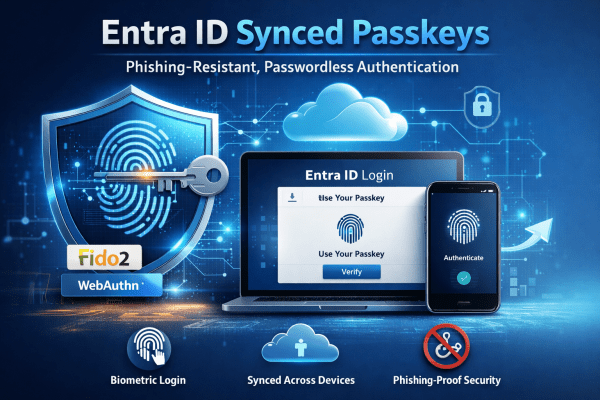
Entra ID synced passkeys replace passwords with phishing-resistant authentication built on FIDO2 standards. Users sign in using biometrics or device PINs, with credentials securely synced across devices. The result is stronger security, faster access, and a smoother experience for both users and IT teams.
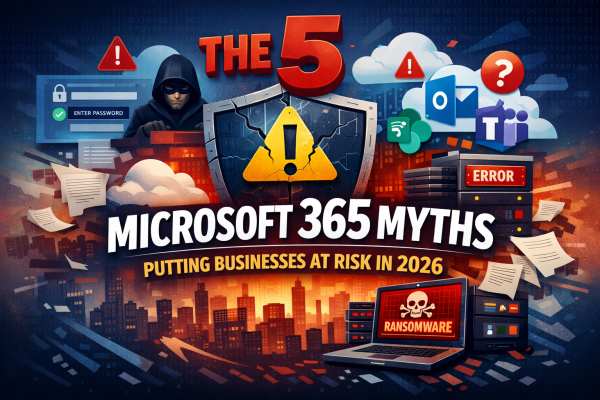
The 5 Microsoft 365 Myths Putting Businesses at Risk in 2026
Microsoft 365 is powerful, but common misconceptions continue to leave businesses exposed. This article breaks down five persistent Microsoft 365 myths for 2026, explaining where organisations often go wrong and what they should be doing instead to protect their data, users, and systems.
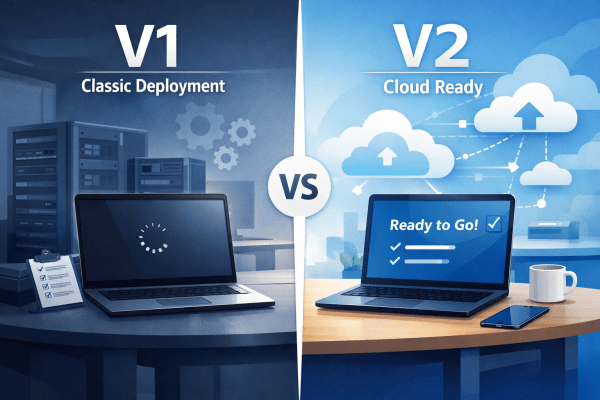
Autopilot V1 vs V2: Which Is Right for Your Windows Device Deployment?
Windows Autopilot makes provisioning devices simple, but not all deployments are the same. Autopilot V1 offers advanced control for complex, hybrid environments, while V2 delivers a faster, cloud-ready setup for organizations looking to get users up and running immediately. Understanding the differences ensures IT teams choose the right approach for efficiency and productivity.
Enhance Microsoft 365 Security by Switching to Edge
In today’s digitally driven world, businesses are increasingly relying on cloud solutions like Microsoft 365 for their operational needs. However, many organizations overlook an integral aspect of ensuring security and compliance while using these platforms: the choice of web browser. This article dives into why Google Chrome or any other non Microsoft browser may not... Continue Reading →
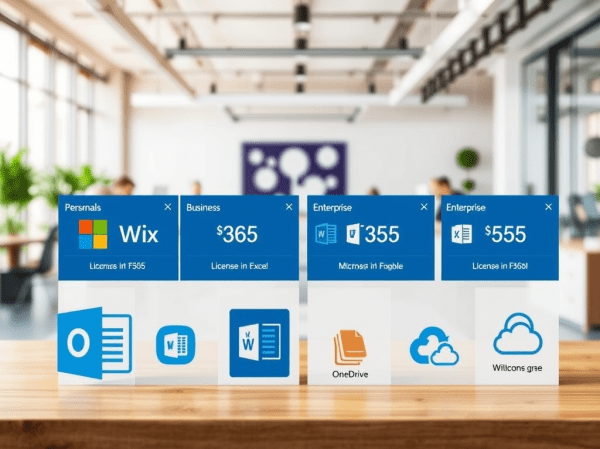
Microsoft 365 Licenses Explained: Pricing & Features
Choosing a Microsoft 365 licence does not have to be complicated. This guide breaks down every plan, from Personal to Enterprise, with clear pricing, key features, and real-world use cases to help you pick the right fit with confidence.
Revolutionize Cybersecurity with Microsoft Security Copilot
Cybersecurity is becoming harder to manage as threats grow more advanced and more frequent. IT teams are under pressure to detect attacks faster, reduce alert fatigue and keep their environments secure without adding unnecessary complexity. Microsoft Security Copilot aims to help with exactly that. It brings AI into daily security work so teams can investigate... Continue Reading →
Upcoming Updates to One Drive Retention Policies
Microsoft is implementing significant updates to the retention policies for OneDrive, aimed at enhancing data management and compliance. These changes may impact how long files are retained and the processes for data recovery. It’s essential for organizations and users to review the updates to ensure alignment with their storage and compliance needs.
Why You Should Think Twice Before Choosing GoDaddy for Microsoft 365
If you're running a new business, you've probably considered GoDaddy for both domain registration and Microsoft 365. While they offer competitive prices, there are compelling reasons to look elsewhere for your Microsoft 365 needs. Here, we'll explore three significant drawbacks to using GoDaddy for Microsoft 365, helping you make an informed decision. Introduction: The Allure... Continue Reading →
Migrating Azure Legacy Multi-Factor Authentication and Self-Service Password
In this blog post, we'll explore the process of migrating from Legacy Multi-Factor Authentication (MFA) and Self Password Reset (SSPR) to newer, more secure authentication methods. This guide will help you easily navigate the changes, ensuring your passwords and accounts remain safe and secure. Understanding the Migration Timeline Before we dive into the migration process,... Continue Reading →
Modifying the Default Outlook OST File Path via the Windows Registry
In this post, I’ll guide you through the steps to change the default location of Outlook OST files using the Windows Registry. If you're running into disk space issues on your C: drive due to large OST files, this method allows you to move them to another drive with more available space. Follow these simple steps to update the OST path and free up space on your main drive.