Understanding Intune’s Compliance Misleading Defaults

Most Intune environments look secure. Green ticks everywhere. Compliant devices. No obvious issues. But here’s the reality: a default setting can mark devices as compliant even when no policies are applied. No encryption checks. No OS validation. No real protection. That “secure” environment? It’s often just a dashboard illusion. If you’re relying on compliance without enforcing it through Conditional Access, you’re not controlling access, you’re just hoping nothing goes wrong. This post breaks down where it fails and how to fix it properly.

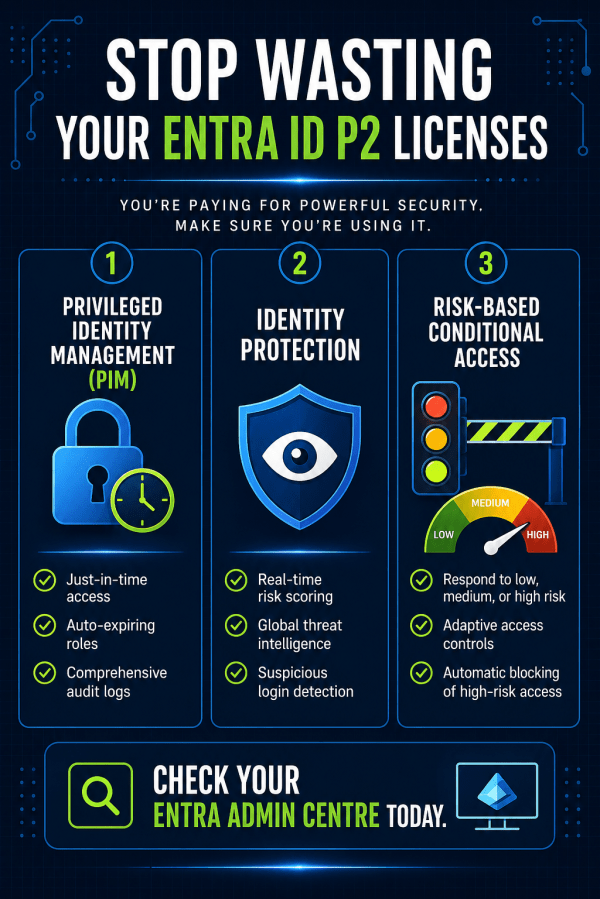
Automated Identity Defense: Smarter Conditional Access with Risk Remediation

High-risk user alerts at 3 a.m. are exhausting and dangerous. By the time an admin investigates, an attacker may already have full access to email, files, and sensitive data. Microsoft Entra ID changes that with Require Risk Remediation in Conditional Access. Instead of just sending alerts, it automatically blocks compromised accounts and forces secure recovery before access is restored. No delays. No ticket backlog. Just immediate containment and smarter identity protection for Microsoft 365.

Create a website or blog at WordPress.com

Up ↑