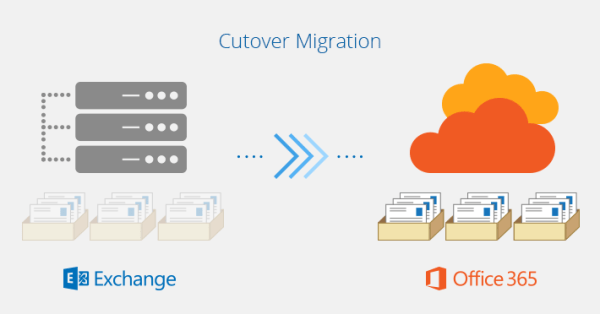
Let’s say you are in the process of migrating a client of yours to Office 365 from their on-premises environment where they are running Microsoft Exchange server. Normally, you would create a new tenant on O365 and then create the users on cloud only to be begin with. After creating users, you would start mail... Continue Reading →
How to run Power shell commands Remotely?
It's tedious to log on to server(s) just to check something simple or even complicated. You can create a remote session to the server instead of manually logging on to it and run the commands / programs like if you were physically logged on to it. Open Power shell as admin.Type in Enter-PSSession -Computername fqdn... Continue Reading →
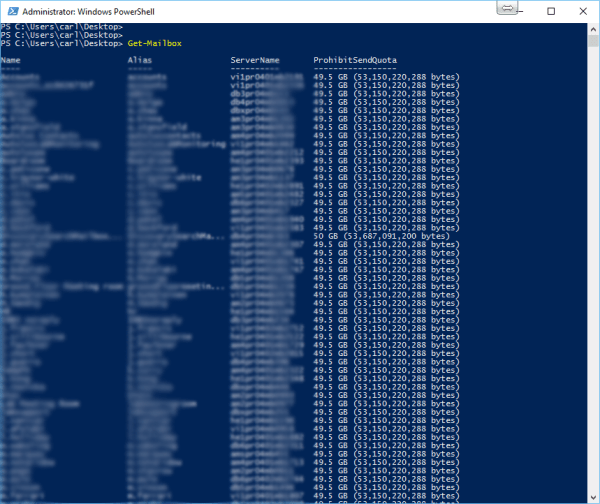
Apply Settings to all users in specific Exchange Database
Let's say you want to apply some settings to all users in a specific exchange database, you don't want to apply that to each individual mailbox especially if there are a lot of mailboxes in the database. For e.g. You would want to disable MAPI for all users in Test_db database. You can run the... Continue Reading →
Move AD Connect to a Different Server
There are cases where you have to move AD Connect to a different server and it’s a very simple process to do so. We can’t have more than one AD Connect syncing to O365. Please make sure you log on to AD Connect using global admin credentials. Install AD Connect on new server and enable... Continue Reading →
Outlook logon fails after mailbox moves from Exchange 2010 to Exchange 2013 / 2016
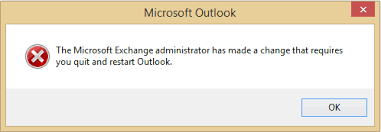
Recently, we moved few mailboxes to Exchange 2016 from Exchange 2010 and most of them did work but some of them we ended up recreating the profile and it worked. but some of them didn't work even after recreating the outlook profile. This was tested on Outlook 2010 SP2, Outlook 2013 and Outlook 2016. Errors... Continue Reading →
Azure AD / On-Premise AD Sync Immutable ID Issues
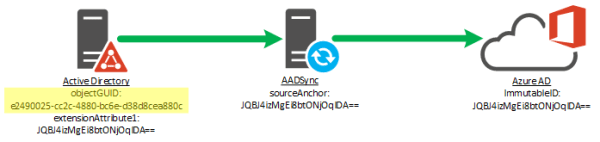
There has been instances where Azure AD complains about having duplicate UserPrincipalNames and / or duplicate accounts are created on O365 after running sync with on-prem AD. Before we dive into the fix, just want to give you some back ground as to what happens when you sync on-prem AD objects to O365. When you... Continue Reading →
Office 365 Autodiscover
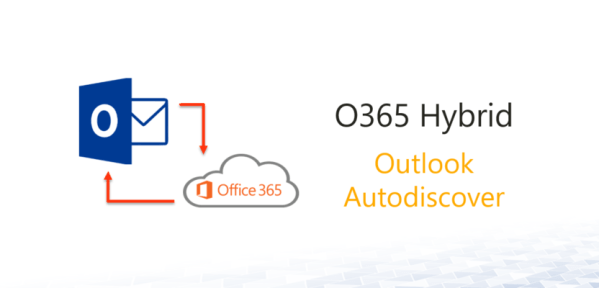
Outlook 2016 and on wards, outlook client will connect you directly to O365 if there is no auto discover set up. It's called direct connect. It's a good feature if the mailbox is on O365 but there are cases where companies are using outlook 2016 / outlook 365 clients but their mailboxes are not O365.... Continue Reading →
Power shell Truncated Output
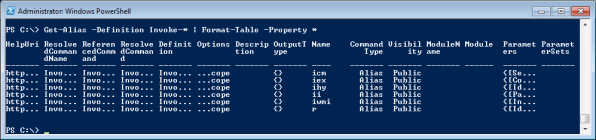
Type in FormatEnumerationLimit=-1 Run the command again now and output should display full results. If that doesn't work, please try the following, add switch -wrap -autosize after fl or ft.
Clear Cache from SCOM
"C:\Program Files\Microsoft System Center 2012 R2\Operations Manager\Console\Microsoft.EnterpriseManagement.Monitoring.Console.exe" /clearcache
Connecting to Exchange Online Power shell
Open Power shell as an admin. $Username = "admin@xxx.onmicrosoft.com" $Password = ConvertTo-SecureString ‘12345678’ -AsPlainText -Force $LiveCred = New-Object System.Management.Automation.PSCredential $Username, $Password $Session = New-PSSession -ConfigurationName Microsoft.Exchange -ConnectionUri https://outlook.office365.com/powershell/ -Credential $LiveCred -Authentication Basic -AllowRedirection OR (If the above doesn't work) $Session = New-PSSession -ConfigurationName Microsoft.Exchange -ConnectionUri https://outlook.office365.com/powershell-liveid/ -Credential $UserCredential -Authentication Basic -AllowRedirection Import-PSSession $Session Connect-MsolService –Credential... Continue Reading →