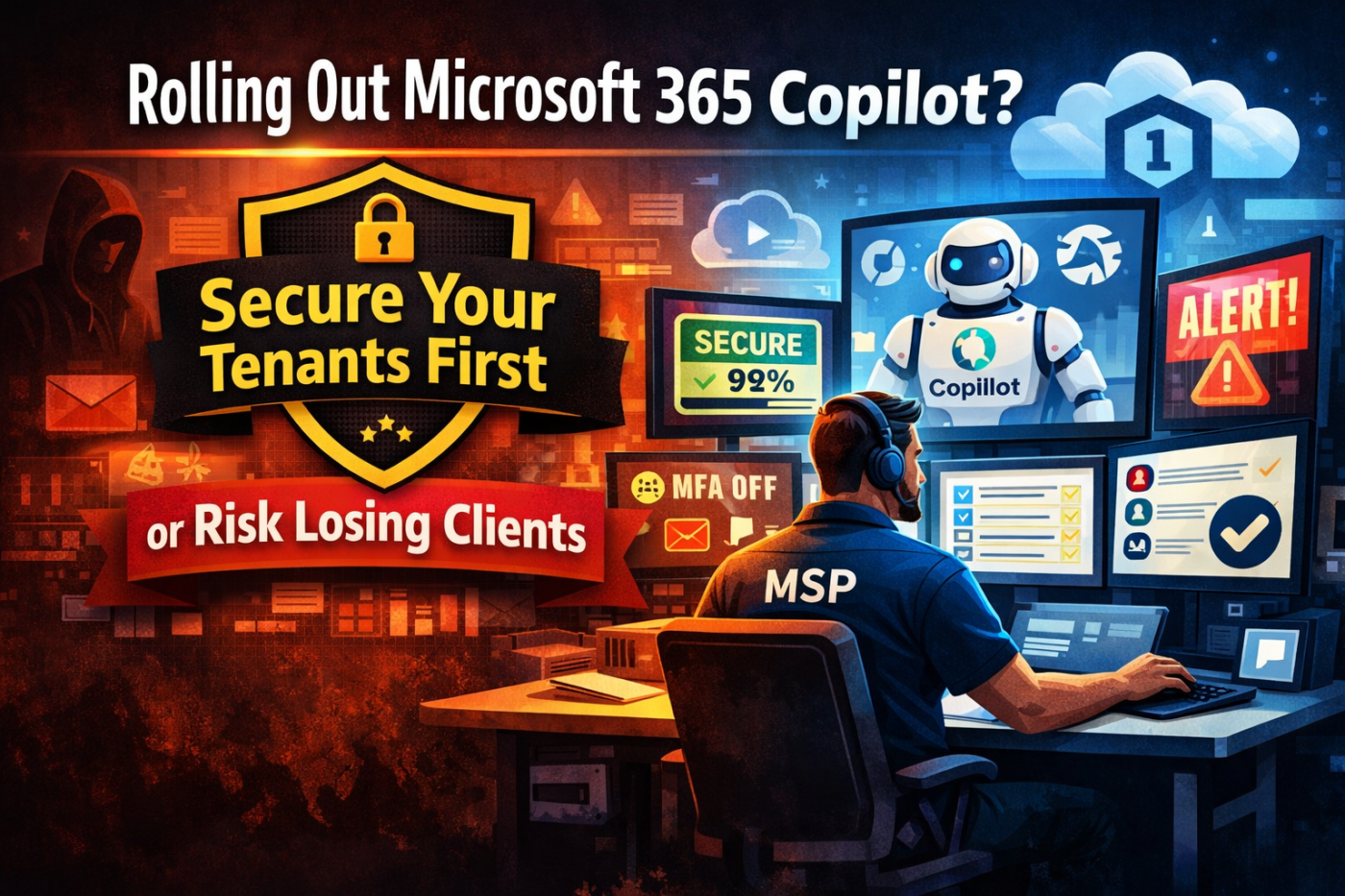
A client calls you excited about Microsoft 365 Copilot. They watched a demo on LinkedIn and want it live next week.
But when you check their tenant, basic authentication is still enabled. There are no proper conditional access policies. Security defaults are off. MFA is inconsistent.
Sound familiar?
A lot of MSPs are in this position right now. Previous providers left tenants messy. No standards. No documentation. No real security foundation. If you roll out Copilot on top of that, you are taking a serious risk. And if you refuse to deploy it, clients may just find another MSP who will.
The answer is simple: secure and standardise first. Then deploy.
Let’s walk through how to fix the process.
The Real Problem: Unsecured Microsoft 365 Tenants
MSPs want to grow. But unsecured tenants slow everything down.
One client has a conditional access policy called “test 123.”
Another has global admins without MFA.
Another has security defaults disabled and nothing replacing them.
There is no consistency.
When every tenant is different, onboarding takes days instead of hours. You jump between admin portals trying to figure out what is configured and what is not. Spreadsheets only capture part of the story. There is no clear baseline.
That does not scale.
Why Manual Checks Do Not Work Anymore
Clicking through each Microsoft 365 admin centre tenant by tenant is not sustainable.
You need a defined standard. That might be CIS benchmarks. It might be your own “golden tenant.” But you need something documented and repeatable.
When you work from a baseline, security becomes structured instead of reactive. Clients notice the difference. You look organised, confident, and proactive.
Copilot Changes the Stakes
Copilot accesses organisational data. If permissions are messy, overshared, or poorly secured, you are amplifying that risk with AI.
Rolling out Copilot in an insecure tenant is like unlocking every filing cabinet and hoping nothing sensitive is inside.
Clients want licences fast. They see the demo and expect the same results. If you simply say “we do not do Copilot,” you risk losing them.
The right approach is:
- Assess the tenant
- Fix security gaps
- Clean up permissions and data sprawl
- Then deploy Copilot properly
That positions you as strategic, not reactive.
Show the Gaps Clearly
Clients respond to evidence, not vague conversations.
Instead of sending screenshots, provide structured reports. Show exactly what is failing. For example, 29 out of 32 Entra ID checks failed. That gets attention.
When reports are clear and branded, clients understand the value of your work. It builds trust and makes it easier to get buy-in for remediation before Copilot is introduced.
Standardising Tenant Management with Inforcer
This is where a structured platform makes a huge difference.
Inforcer allows you to onboard tenants quickly and see their overall posture immediately. No guessing. No digging through ten different portals.
You can connect via Partner Center for automated onboarding or add tenants manually. Once connected, dashboards give you:
- Secure Score visibility
- Backup status
- Licensing overview
- Entra ID posture
- Compliance insights
- Security risks like users without MFA
If a tenant scores 15 percent on day one, it might be uncomfortable. But at least you know exactly where you stand.
Deep Visibility Into Entra ID
From the dashboard, you can drill into specific issues.
See which users do not have MFA.
Review global admins.
Inspect conditional access policies.
Check group configurations.
You can reset passwords, revoke sessions, offboard users, and manage groups directly. No constant portal switching.
AI summaries help you understand the impact of policies or deviations quickly, which saves your team time.
Building and Enforcing a “Golden Tenant”
Standardisation is where MSPs win.
You can use built-in CIS Level 1 or Level 2 baselines, Cyber Essentials, or create your own custom standard. Your “golden tenant” becomes the benchmark every client should align with.
When you assign a tenant to a baseline, you instantly see:
- What is aligned
- What is missing
- What deviates from the standard
If an old MSP left behind random or poorly named policies, you can review them with AI summaries and decide whether to remove or accept them. Everything is documented.
That clarity is powerful when talking to clients.
Monitoring Drift Before It Becomes a Problem
Tenants change. Policies get modified. MFA gets disabled. A global admin gets added without proper protection.
If you only discover that after a breach or a complaint, it is too late.
Automated alerts solve this. You can monitor for:
- Secure Score drops
- Missing SPF records
- Conditional access changes
- New global admins without MFA
- Expiring certificates
Alerts can be sent by email or webhook, and integrations with PSA tools are expanding. This turns you into a proactive MSP instead of a reactive one.
Configuration Backup: Not Just Data
Most MSPs back up data. Few properly back up configuration.
Nightly backups of Entra ID, Intune, and conditional access policies give you version control for settings.
If someone deletes a policy by mistake, you do not have to rebuild it manually. You simply restore that specific configuration from backup.
Granular recovery saves hours and avoids expensive mistakes.
The Real Differentiator: Copilot Readiness Assessments
Copilot is everywhere right now. Clients are asking about it constantly.
Instead of just selling licences, you can offer a structured Copilot readiness assessment.
This covers three core areas:
- Security posture
- Data governance
- Technical readiness
You can also analyse user adoption metrics and estimate ROI. If Copilot saves an average of 2.25 hours per week per user, that becomes a compelling business case for a 50-user company.
The assessment highlights:
- Sensitivity label coverage
- DLP configuration
- SharePoint sharing posture
- Microsoft 365 app usage
- Areas needing cleanup before AI rollout
When you present this in a professional report, you position yourself as the expert guiding their AI journey.
The Bigger Picture
The MSPs who win in this AI wave will not be the fastest to sell licences. They will be the ones who secure, standardise, and then deploy properly.
The key principles are simple:
- Define and enforce baselines
- Report clearly and consistently
- Monitor for configuration drift
- Back up tenant settings
- Use Copilot readiness as a strategic service
When you standardise your approach, scaling becomes realistic. You stop firefighting and start leading.
Secure the tenant first.
Then deploy AI safely.
That is how you protect clients and grow your MSP at the same time.
Reference: https://www.inforcer.com/
 Salman Tariq
 SalmanTechBlogs
Leave a comment