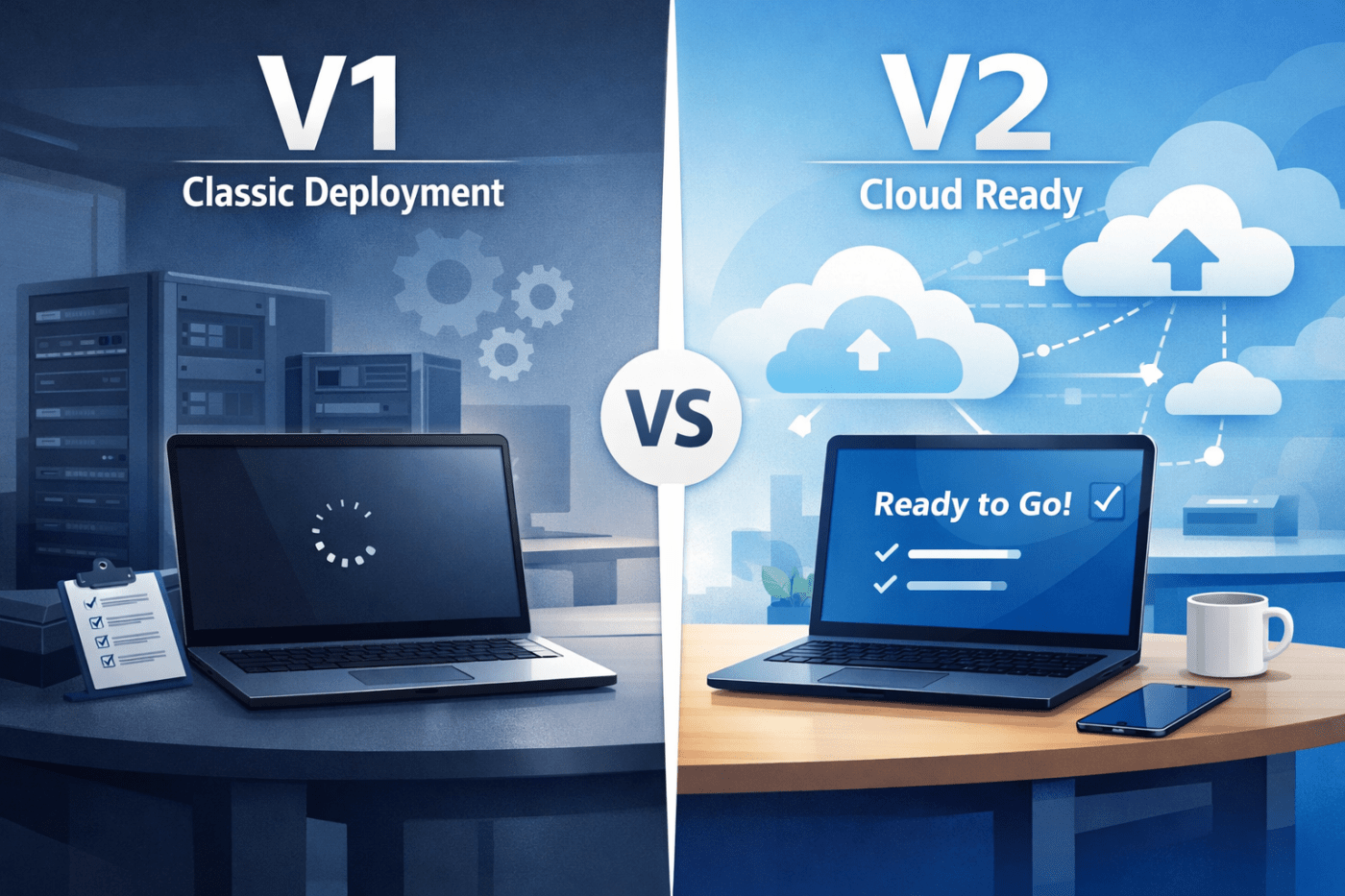
In today’s dynamic IT landscape, managing Windows device provisioning efficiently is crucial. However, confusion often arises between Windows Autopilot V1 and V2. Many assume that Autopilot V2 is simply an upgrade of its predecessor, but the differences go beyond a version update. This article examines the distinctions between Autopilot V1 and V2, helping organizations determine the best approach for their device management needs.
What Is Windows Autopilot?
Windows Autopilot is a suite of technologies designed to simplify the provisioning of new Windows devices. It streamlines the process from shipment to user sign-in, ensuring devices are secure, properly configured, and ready for immediate use. By reducing manual setup, Autopilot allows IT teams to focus on strategic initiatives rather than routine device deployment.
Autopilot V1 vs. V2
Autopilot is commonly discussed in two versions: V1, also known as Autopilot Classic, and V2, referred to as Autopilot Device Preparation. Each serves different deployment scenarios and organizational needs.
Autopilot V1 (Classic)
- Device Registration: Requires pre-registration of devices using hardware hashes.
- Deployment Capabilities: Supports hybrid Azure AD joins, white glove provisioning, and strict device naming conventions.
- Target Audience: Best suited for organizations with complex deployments and enterprise-level requirements.
- User Experience: Users may initially see a blank desktop while applications and configurations are applied post sign-in.
- Management Features: Offers advanced reporting and comprehensive enterprise-grade controls.
Autopilot V2 (Device Preparation)
- Device Registration: Eliminates the need for hardware hashes, using serial numbers for registration at sign-in.
- Deployment Capabilities: Optimized for cloud-only environments where devices are shipped directly to users.
- Target Audience: Ideal for smaller organizations or teams seeking simplicity and speed.
- User Experience: Users receive a ready-to-use desktop with applications and settings pre-configured, improving first-login productivity.
- Management Features: Focused on streamlined deployment, offering fewer advanced features but a simpler workflow.
Key Differences
| Feature | Autopilot V1 | Autopilot V2 |
|---|---|---|
| Enrollment Process | Requires hardware hash pre-registration | Uses serial numbers, hardware hash not required |
| Deployment Scenarios | Hybrid environments, white glove, strict naming conventions | Cloud-only, direct-to-user shipping, simple deployments |
| User Experience | Initial blank desktop; post-login configuration | Functional desktop ready at first login |
| Management Flexibility | Advanced enterprise features and reporting | Simplified, less feature-intensive management |
When to Choose Each Version
Opt for Autopilot V1 if:
- Your organization manages hybrid or complex deployments.
- Strict device naming conventions are required.
- You need self-deploying or pre-provisioned device setups.
Opt for Autopilot V2 if:
- Your environment is cloud-only and devices are shipped directly to users.
- Simplicity, speed, and minimal IT intervention are priorities.
- Advanced enterprise features are not critical.
Implementing Autopilot Device Preparation (V2)
To deploy Autopilot V2 effectively:
- Set Up Installation Context: Log in to your Microsoft 365 tenant as a global administrator and access the Intune admin center.
- Create Device and User Groups: Organize employees into groups to manage which devices and users are included in deployments.
- Assign Applications and Scripts: Determine the required apps and scripts for each group and assign them in Intune.
- Add Devices via CSV: Upload device information, including make, model, and serial number, using a CSV file.
- Test Deployment: Validate the setup with a test device to ensure it reaches a fully functional desktop without delays.
Conclusion
Understanding the differences between Autopilot V1 and V2 enables IT professionals to select the solution that aligns with their organizational requirements. Autopilot V2 provides a streamlined, cloud-focused approach ideal for smaller environments, while Autopilot V1 remains essential for complex, enterprise-level deployments requiring advanced control and flexibility.
 Salman Tariq
 SalmanTechBlogs
Leave a comment