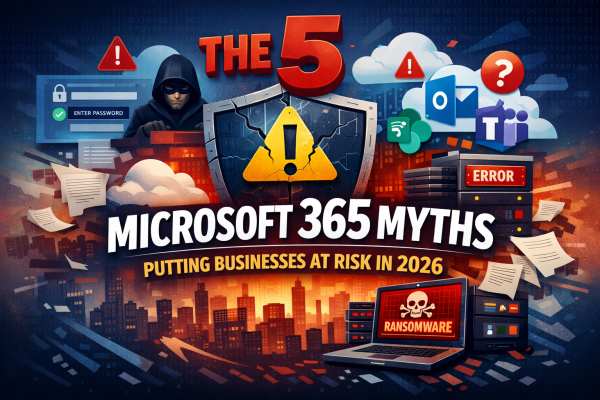
Microsoft 365 is powerful, but common misconceptions continue to leave businesses exposed. This article breaks down five persistent Microsoft 365 myths for 2026, explaining where organisations often go wrong and what they should be doing instead to protect their data, users, and systems.
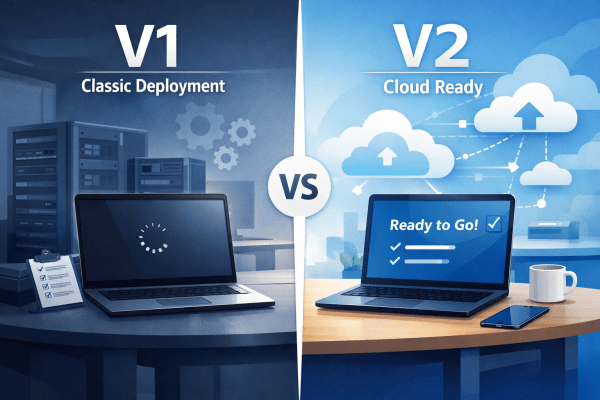
Autopilot V1 vs V2: Which Is Right for Your Windows Device Deployment?
Windows Autopilot makes provisioning devices simple, but not all deployments are the same. Autopilot V1 offers advanced control for complex, hybrid environments, while V2 delivers a faster, cloud-ready setup for organizations looking to get users up and running immediately. Understanding the differences ensures IT teams choose the right approach for efficiency and productivity.
Microsoft 365 Licenses Explained: Pricing & Features
Choosing a Microsoft 365 licence does not have to be complicated. This guide breaks down every plan, from Personal to Enterprise, with clear pricing, key features, and real-world use cases to help you pick the right fit with confidence.
Revolutionize Cybersecurity with Microsoft Security Copilot
Cybersecurity is becoming harder to manage as threats grow more advanced and more frequent. IT teams are under pressure to detect attacks faster, reduce alert fatigue and keep their environments secure without adding unnecessary complexity. Microsoft Security Copilot aims to help with exactly that. It brings AI into daily security work so teams can investigate... Continue Reading →
Microsoft 365 Licensing Explained: Save Money and Improve Security
Choosing the right Microsoft 365 licence doesn’t have to be complicated. Business Premium is ideal for SMEs, offering full Office apps, Teams, email, and built-in security for up to 300 users. F3 suits frontline staff with web/mobile access and basic protections. E3 provides enterprise features for larger organisations but requires extra security add-ons to match Business Premium. E5 delivers the complete security, compliance, and analytics suite for organisations with strict regulatory needs. Match licences to actual user roles and compliance requirements to save costs and reduce complexity.
Future-Proof Your Security with Microsoft Entra Suite
In today’s fast-paced digital world, traditional firewalls are no longer enough to protect modern, distributed businesses. Employees work from anywhere — home, coffee shops, or even different countries — yet many organizations still rely on outdated security setups that only protect users in the office. Enter the Microsoft Entra Suite , a powerful, cloud-native solution that replaces expensive firewalls and legacy systems with intelligent, scalable security features. From secure internet access and zero-trust app connectivity to automated user governance and real-time threat detection, the Entra Suite offers five game-changing tools that can transform how you protect your business. Whether you're an MSP looking to retain clients or an IT leader aiming to future-proof your infrastructure, this article will show you why Microsoft Entra Suite is the smart choice for modern workplace security.