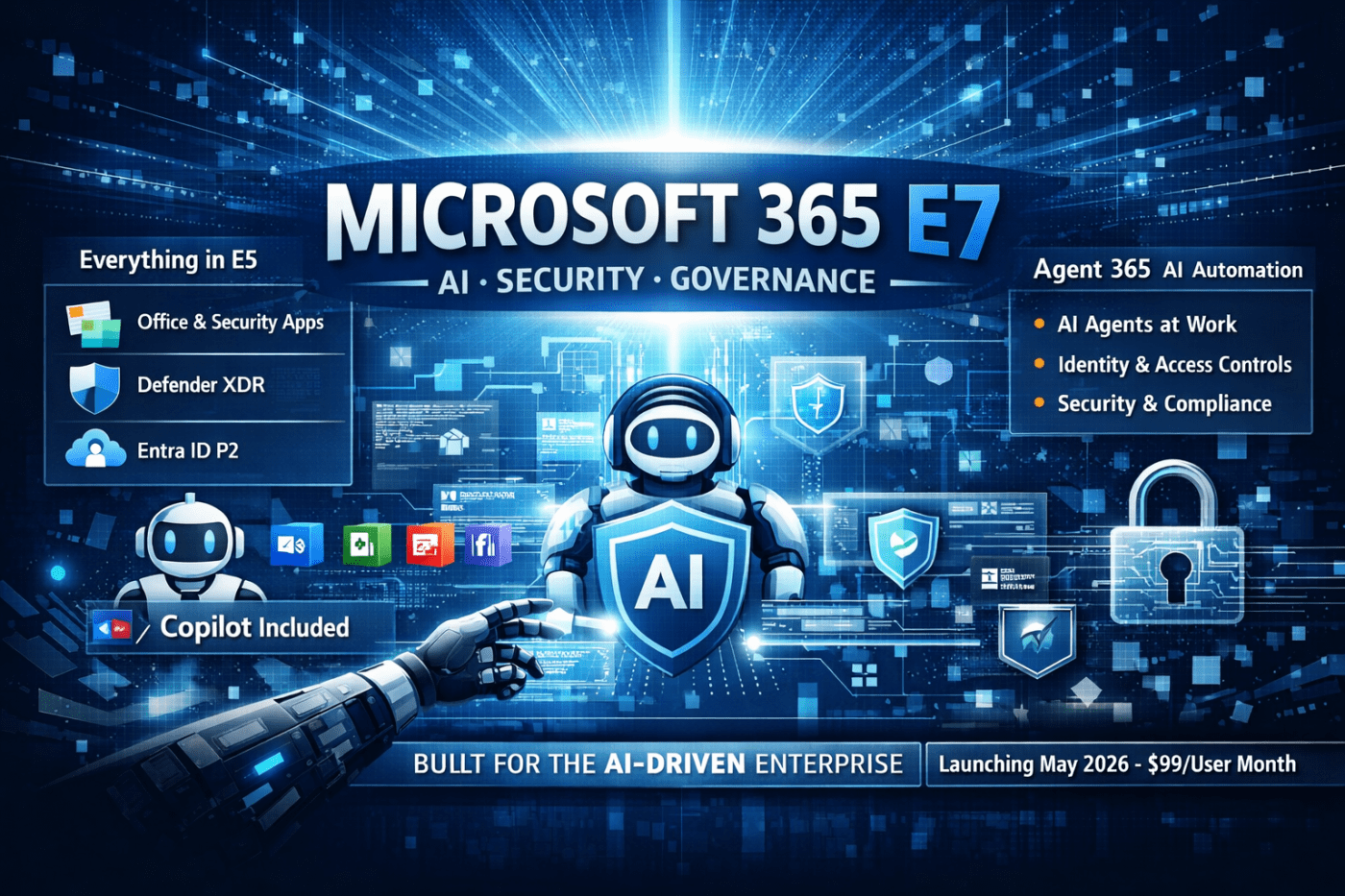
Over the last few days, you may have heard some noise around a new Microsoft license called Microsoft 365 E7.
The most common reaction I’ve heard is:
“So… it’s basically E5 with Copilot, right?”
Short answer: Yes — but also no.
Long answer: E7 is Microsoft’s way of saying that AI is no longer optional or experimental.
Let’s break it down properly.
What Is Microsoft 365 E7?
Microsoft 365 E7 is Microsoft’s new top‑tier enterprise license, announced in March 2026 and launching 1 May 2026.
Think of E7 as:
E5 + Copilot + AI agent governance, bundled into one license
It’s designed for organisations that are moving beyond “let’s test Copilot with a few users” and into “AI is now part of how we operate.”
What Do You Actually Get with E7?
At its core, E7 includes everything you already get with E5, plus a few major additions.
1. Everything in Microsoft 365 E5 (No Change Here)
That means:
- Office apps, Exchange, SharePoint, OneDrive, Teams
- Defender XDR
- Intune
- Purview (DLP, eDiscovery, Insider Risk, etc.)
- Entra ID P2
If you’re already familiar with E5, nothing is taken away.
2. Microsoft 365 Copilot — Included by Default
This is a big one.
Until now, Copilot has been a $30/user/month add‑on on top of E3 or E5.
With E7, Copilot is included.
That means Copilot inside:
- Word, Excel, PowerPoint
- Outlook
- Teams
- Copilot Chat
Microsoft clearly wants Copilot to become standard, not optional, at the high end.
3. Agent 365 – The Real Reason E7 Exists
This is the part many people are missing.
Agent 365 is a brand‑new capability focused on AI agents — not just AI assistants.
What’s the difference?
- Copilot helps you do work
- Agents can do work on your behalf
Examples:
- Preparing meeting packs automatically
- Pulling data from SharePoint, emails, and Teams
- Running multi‑step tasks without constant user input
Agent 365 gives IT and security teams:
- Visibility into what AI agents exist
- Identity and access control via Entra
- Security and compliance enforcement via Defender and Purview
- Auditing of what agents do and access
In simple terms:
E5 secures users.
E7 secures users and AI workers.
4. Full Microsoft Entra Suite
E7 also includes the full Entra Suite, not just Entra ID P2.
This strengthens:
- Conditional Access
- Least‑privilege access
- Identity governance
- Controls for non‑human identities (agents)
This ties directly into the agent story — AI needs identities, too.
Pricing: How Much Does E7 Cost?
- $99 per user per month
- Available from 1 May 2026
Microsoft’s justification is simple:
| Bought Separately | Approx Cost |
|---|---|
| E5 | $60 |
| Copilot | $30 |
| Entra Suite | $12 |
| Agent 365 | $15 |
| Total | ~$117 |
E7 bundles this at $99, which is cheaper on paper — assuming you were planning to buy all of it anyway.
So… Is E7 Just “E5 + Copilot”?
Technically, yes.
Strategically, no.
The real shift is this:
- E5 was built for cloud security
- E7 is built for AI‑driven operations
Microsoft is betting that:
- AI agents will become normal
- Those agents will need identities, access, logging, and governance
- Enterprises will want one license, not five stitched together
E7 is Microsoft formalising that future.
Who Should Actually Consider E7?
E7 is not for everyone.
i.e.:
- If you just want Copilot for a few executives → E5 + Copilot add‑on is fine
- If you’re still figuring out Intune or Defender → E7 is overkill
E7 does make sense if:
- You plan to roll out Copilot broadly
- You expect AI agents to automate real work
- Security, audit, and compliance matter
- You want fewer licensing combinations to manage
Final Thoughts
Microsoft 365 E7 isn’t just another upsell — it’s a signal.
Microsoft is saying:
“AI is no longer a feature. It’s a workload.”
And like every other workload, it now comes with:
- Identity
- Security
- Compliance
- Governance
- A license
Whether E7 is worth it depends entirely on how serious you are about AI in your organisation.
 Salman Tariq
 SalmanTechBlogs
Leave a comment