
Ever seen an email like johnsmith+shopping@gmail.com and thought, Wait, what’s with the plus sign? Welcome to the world of plus addressing—a nifty little trick that can help you stay organized and protect your inbox. Let’s break it down.
What Is Plus Addressing?
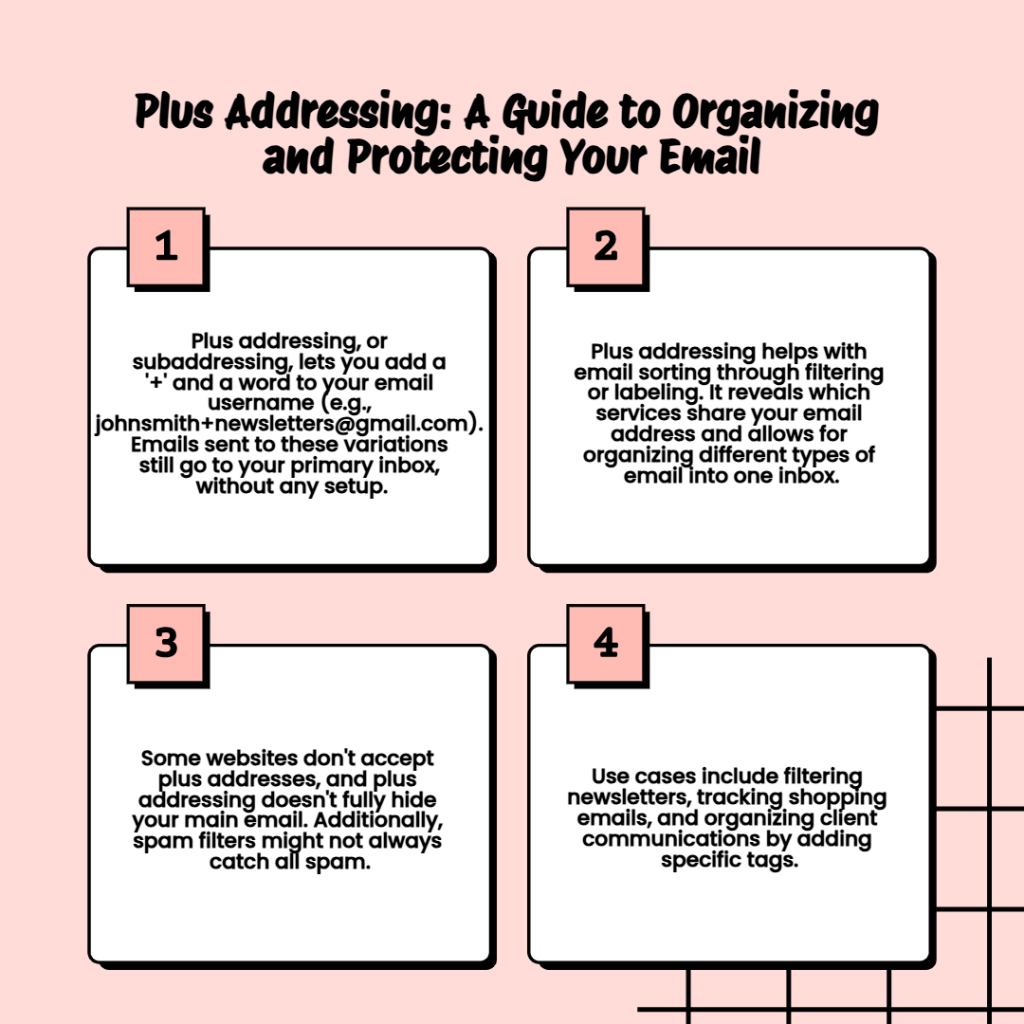
Plus addressing (also called subaddressing) is a feature offered by many email providers (like Gmail, Outlook, and Yahoo). It lets you add a +word after your email username to create custom versions of your address.
So, if your email is:
📨 johnsmith@gmail.com
You can use:
- johnsmith+newsletters@gmail.com
- johnsmith+shopping@gmail.com
- johnsmith+jobhunt@gmail.com
All of these will still go to your main inbox. No setup required.
Why Use It? (Pros)
1. Easy Email Sorting
You can filter or label emails based on the +tag. For example, automatically move anything sent to johnsmith+newsletters@gmail.com into a “Newsletters” folder.
2. See Who Shared Your Email
Sign up for a site using johnsmith+coolapp@gmail.com—then if you start getting spam to that address, you know who sold your info.
3. One Inbox, Many Purposes
No need to create multiple email accounts. Just use plus addressing to separate work, personal, and everything else.
What Are the Downsides?
1. Not All Sites Allow It
Some poorly built forms reject emails with + signs, even though they’re valid. (Annoying, right?)
2. Not Totally Private
Anyone who sees your +email knows your base address. It doesn’t hide your real email—just tags it.
3. Spam Filters Might Miss It
If you’re using it to filter spam, some spammers might strip the +part or send to the main address instead.
Real-Life Use Cases
- Newsletters: alex+news@gmail.com
→ Automatically filter to a “Newsletters” label. - Online Shopping: alex+shopping@gmail.com
→ See if a store leaks your info. - Freelancing Clients: alex+clientname@gmail.com
→ Keep conversations organized per client.
Final Thoughts
Plus addressing is a small trick with big benefits—organization, control, and insight into who’s using your email. It’s free, simple, and already built into many email services. Give it a try!
 Salman Tariq
 SalmanTechBlogs
Leave a comment