I have recently come across an issue where users were unable to add Sales force Add-in using OWA 2016.
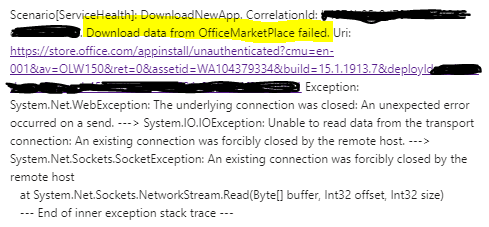
When they tried to add an Add-in using Manage Add-in section on OWA using an option to get an app from Office store, they would get the following error. Most likely it’s because of your firewall blocking access to Office store from your Exchange servers. In our case, all traffic / ports were allowed to Office store but it was still not working for some of the servers for some odd reason. So I found an alternative method instead to overcome this.

While troubleshooting the above mentioned issue, I found the following error in the event logs of the Exchange Server. I tried opening that URL on a working server and it was a XML file so downloaded and saved it.
Alternative Method To Add Exchange Add-Ins
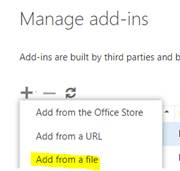
- When you add a plugin you get 3 options. Select, “Add from a file”. Select the XML file downloaded and saved above.
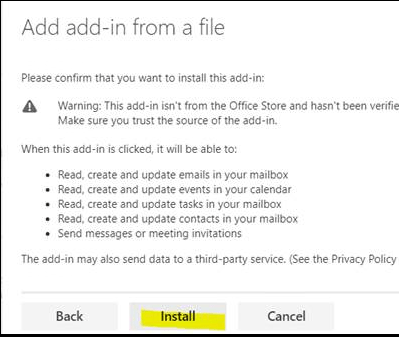
- Click Install
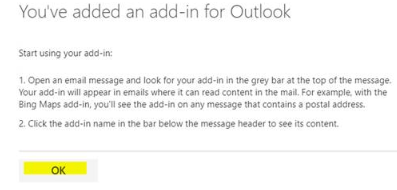
- Click OK.
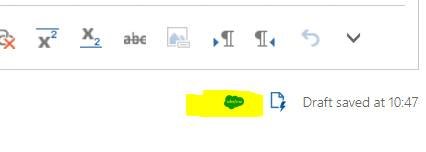
- Compose a new Message and you will notice a Sales Force plugin in the bottom of the window. You click on it and it will prompt you to enter Sales Force credentials.
 Salman Tariq
 SalmanTechBlogs
Leave a comment