You want to get a list of mailboxes that have Lync enabled.
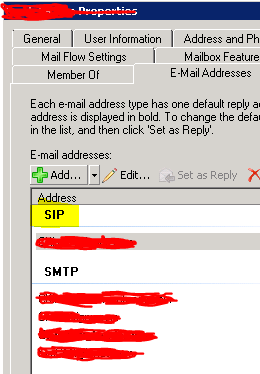
When Lync is enabled for a mailbox, you get an additional address type i.e. SIP in the email properties of a mailbox.
Following command will list all users along with their SIP addresses and if Lync is not enabled, SIP address would be empty.
Get-Mailbox -database TestDatabase | select Name,@{n=’SIPADDRESS’;e={$_.EmailAddresses | Where {$_ -match ‘SIP:’}}}
Replace TestDatabase with the Database name or else if you don’t mention Database it will output the results of all mailboxes.
 Salman Tariq
 SalmanTechBlogs
Leave a comment