Recently, I came across an issue where one of our clients complained that they don’t see Desktop tab when they log on to their Citrix, they only see APPS there.

Please check the following:
- Log on to Citrix Store Front server.
- Highlight store front and select “Configure store settings”.
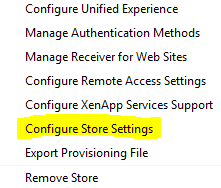
3. Select “Advanced Settings”.
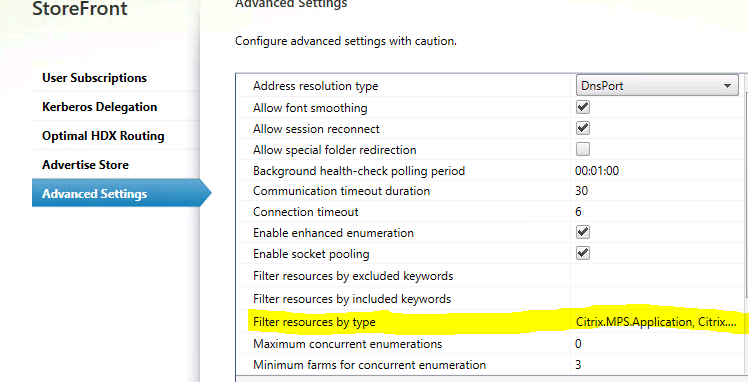
4. Open “Filter Resources by type” field and make sure that Citrix.MPS.Desktop option is checked.
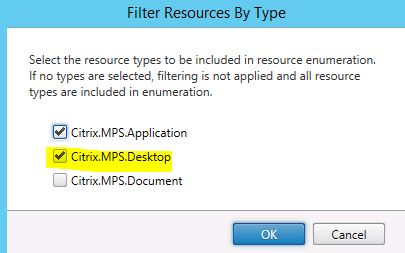
5. Tested after making the above-mentioned change and Desktop tab showed up then.

 Salman Tariq
 SalmanTechBlogs
Leave a comment