There are cases where you have to move AD Connect to a different server and it’s a very simple process to do so. We can’t have more than one AD Connect syncing to O365.
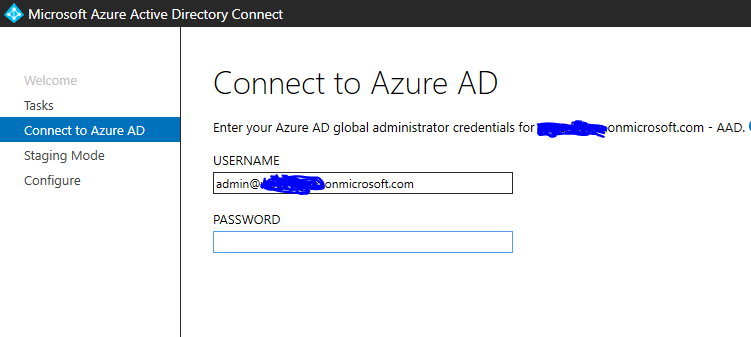
Please make sure you log on to AD Connect using global admin credentials.
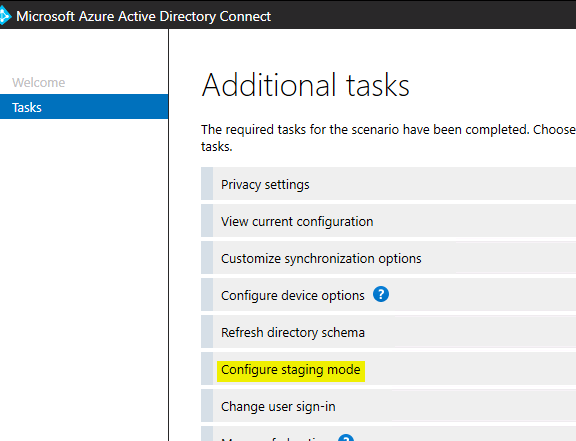
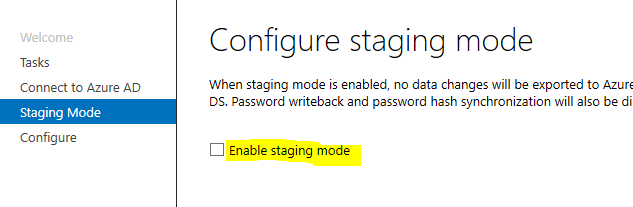
- Install AD Connect on new server and enable staging mode.
- On old server, enable staging mode so there is no syncing from that source to O365.
- On new server, disable staging mode and start syncing.
- Uninstall AD Connect on old server.
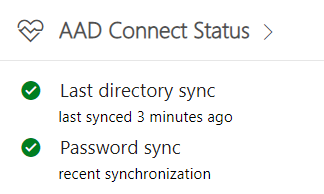
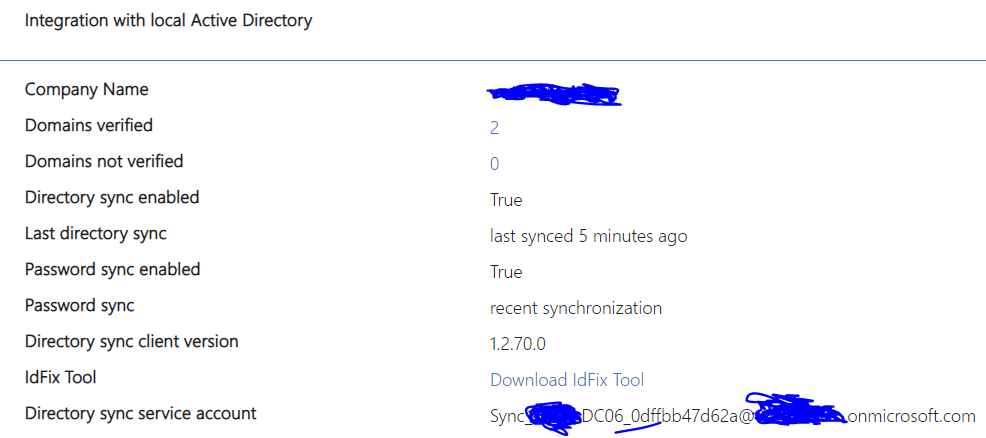
You can always confirm on portal.office.com as well the syncing source by clicking on AAD Connect Status. You can do so before and after moving the AD Connect.
 Salman Tariq
 SalmanTechBlogs
Leave a comment