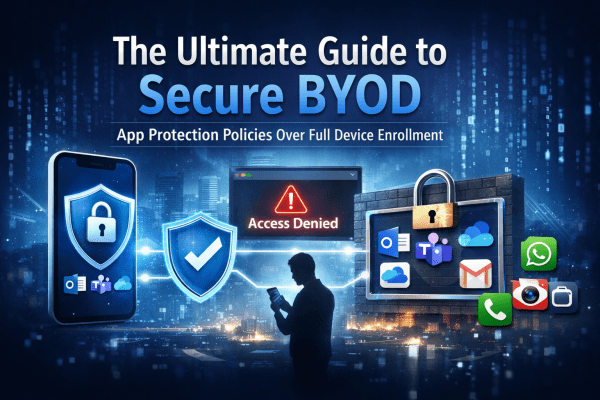
BYOD offers flexibility, but it can also open the door to serious data risks if it’s not managed properly. Instead of taking full control of employees’ personal devices, modern security focuses on protecting the data itself. In this guide, you’ll learn how to secure company information on personal phones using Microsoft Intune App Protection Policies and Conditional Access, giving your team the freedom to work anywhere while keeping sensitive data locked down.
The Ultimate Guide to Secure BYOD: Mastering App Protection Policies Instead of Full Device Enrollment

 Salman Tariq
 SalmanTechBlogs